
Accounting for VAT on Proforma Invoices
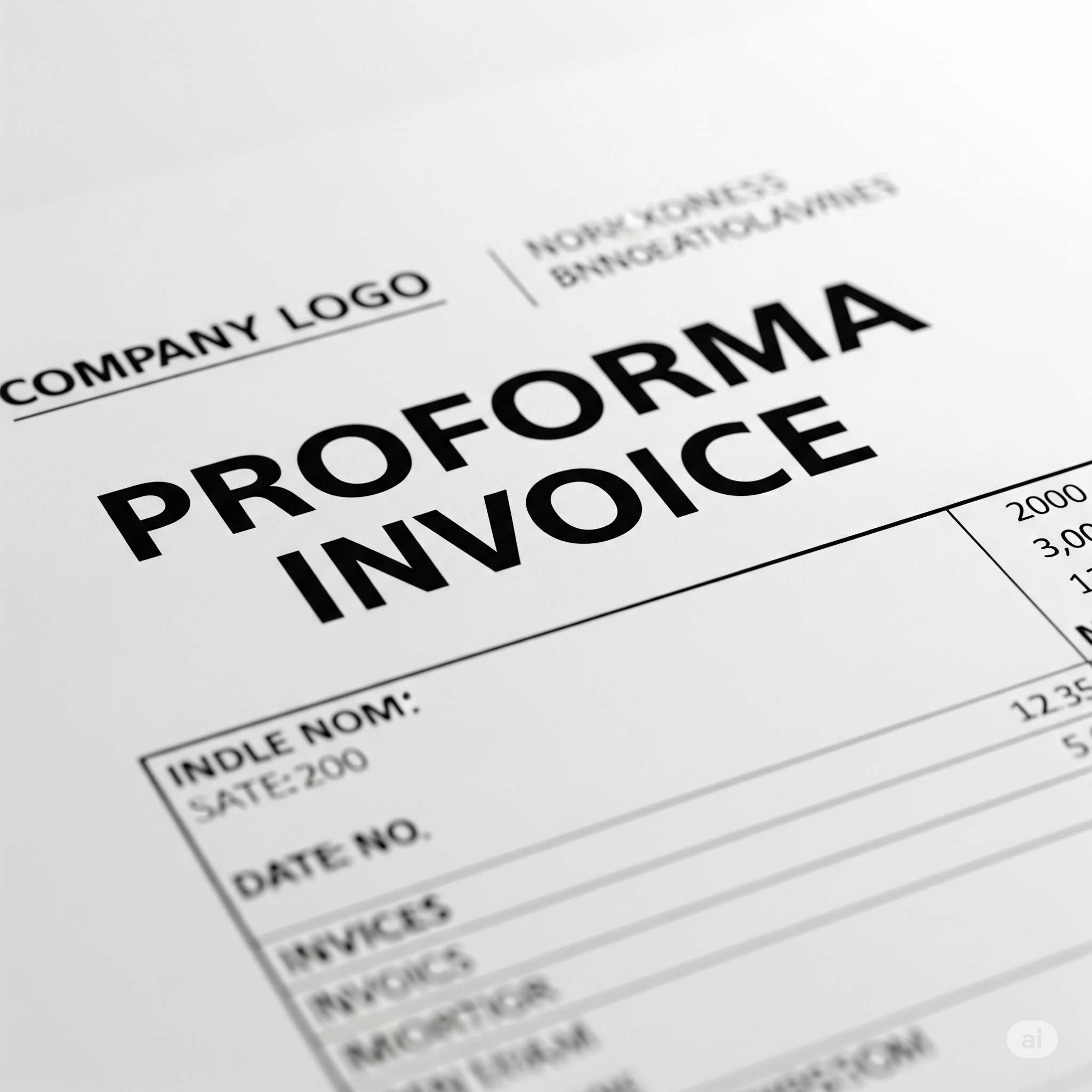
What is a Proforma Invoice?
A proforma invoice is a preliminary bill of sale sent by a supplier before goods or services are delivered. It is not a VAT invoice, and no VAT can be claimed based on it.
2 key points to remember:
- The invoice should clearly be labelled ‘Proforma Invoice’ in Xero.
- This is not deemed as valid documentation to reclaim VAT.
Posting a Proforma Invoice in Xero
When you receive a proforma invoice, you should record it in Xero just like any other bill:
- Create the bill as you normally would.
- In the VAT field, select the Zero-Rated VAT option.
- In the reference or invoice number field, add “PROFORMA” to the invoice number. This makes it easy to identify and exclude these from your VAT return later.
When you receive the tax invoice
When you receive the final tax invoice, you must update Xero as follows:
- Edit the original bill in Xero.
- Attach the new tax invoice as a supporting document.
- Update the VAT field to 20% VAT on purchases, if applicable.
Communicating with Your Client
When preparing the VAT return, you should inform your client about any outstanding proforma invoices. Explain that the VAT on these has not been reclaimed and that this can only be reclaimed once the tax invoice has been received.
Nothing on this page is intended to be or should be construed or taken as accountancy, investment, tax or any other kind of advice. We recommend individuals and companies seek professional advice on their circumstances and matters.
-

Guidance on parent companies involved in UK company transactions
23 February 2026
When a non-UK parent company pays suppliers or contractors on behalf of a UK subsidiary there are tax, accounting and legal issues to watch out for.
Bookkeeping and Others
-
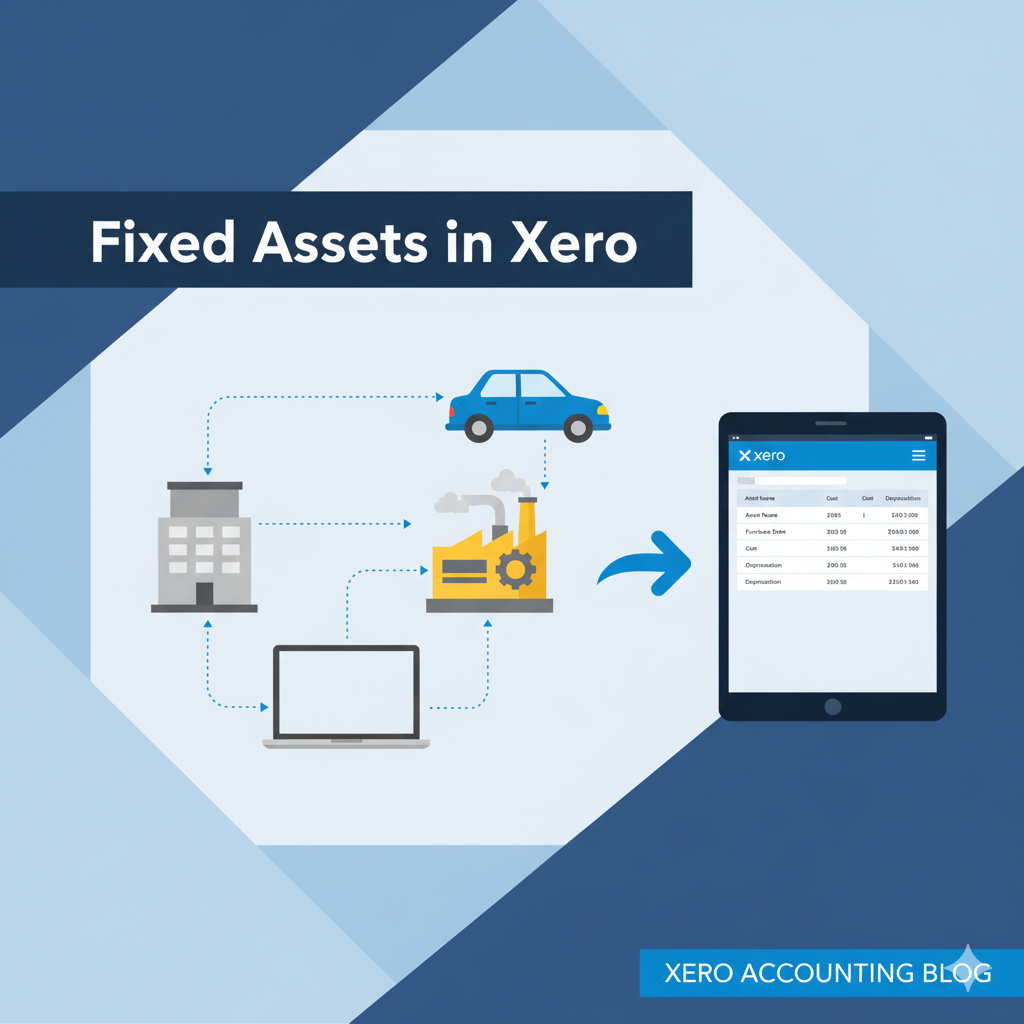
Xero Fixed Assets: Complete Guide for Tangible & Intangible Assets
10 November 2025
Track, manage, and depreciate assets properly in Xero – and avoid costly mistakes!
Bookkeeping and Xero guide
-

Complete guide to Xero CIS
10 November 2025
For UK Contractors & Subcontractors under the Construction Industry Scheme
Bookkeeping, Others and Xero guide